Eat Well. Live Well. Earn Well.
Rewards for Every Routine
Join CRISP & GREEN Rewards for $5 off your first $20 order, seamless order-ahead, and perks on repeat.
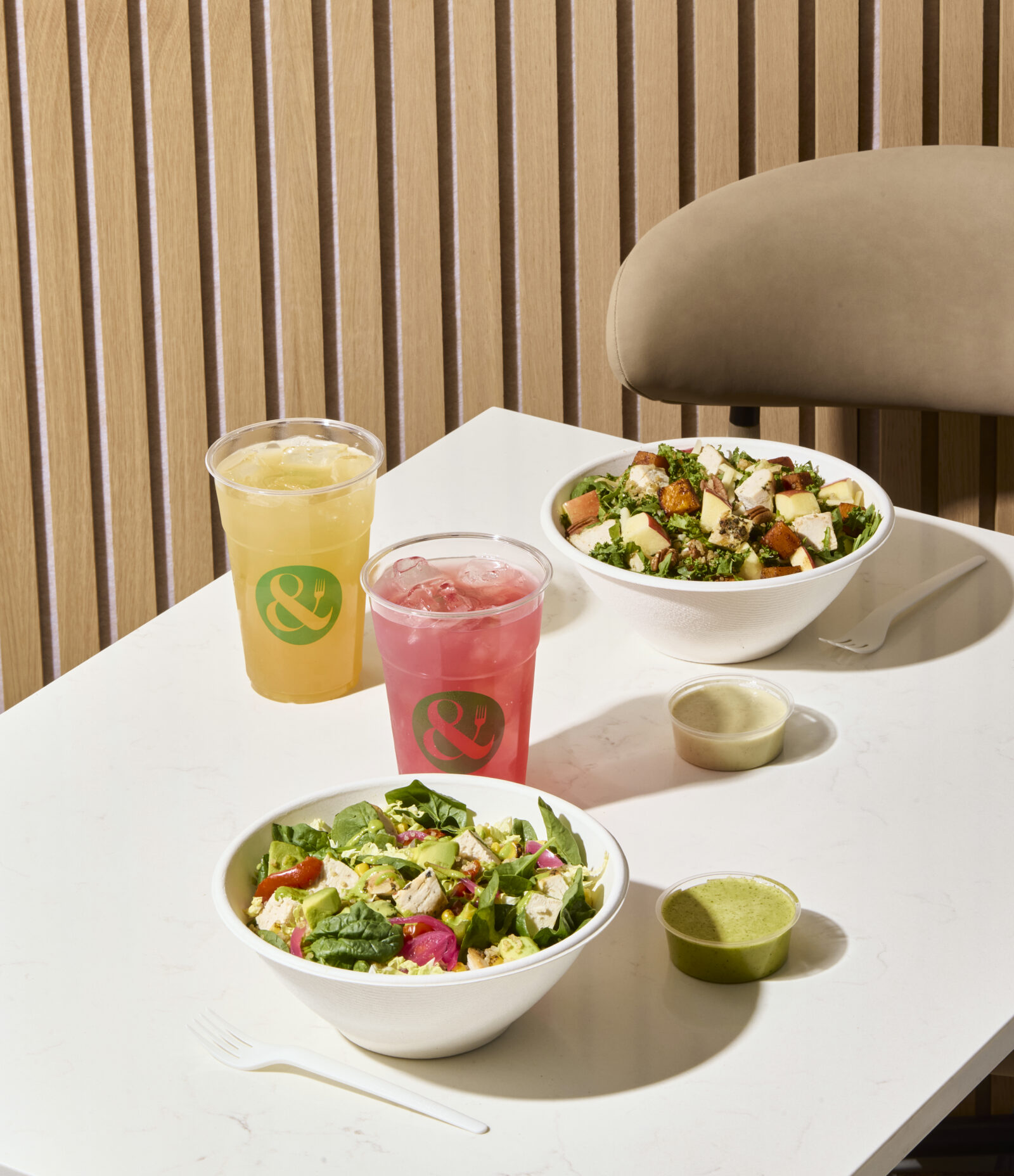

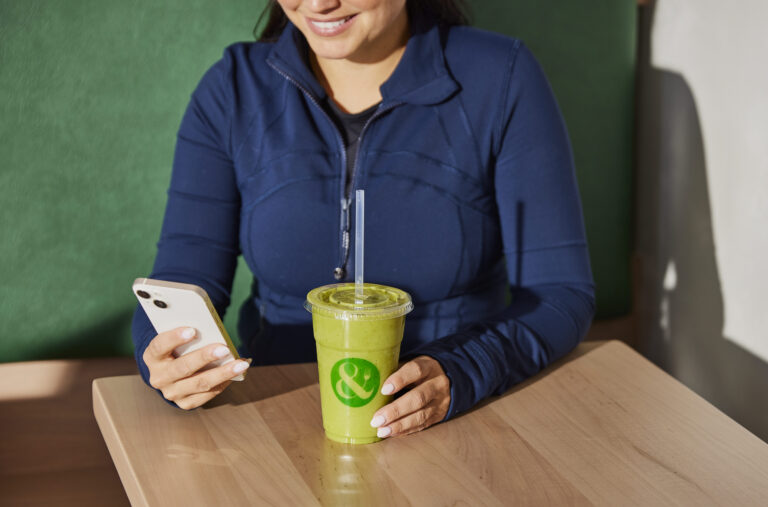


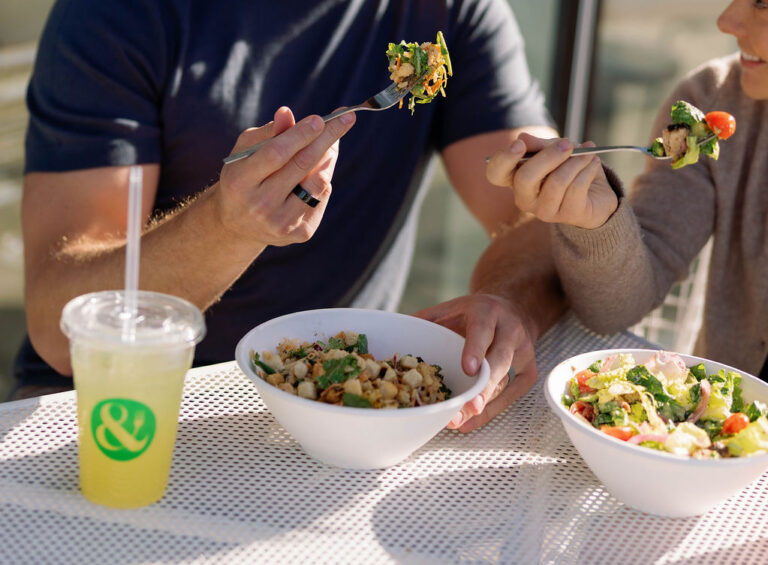
It’s the beginning of our new loyalty journey where you can earn free rewards for Nourishing Your Way! To start, you can earn 1 Point for each dollar spent and enjoy rewards at multiple levels!
Visit the iOS App store or Google Play store and search for Crisp & Green to download the app. Once the app has been downloaded, tap “No” if you don’t have an existing account and follow the steps to create your rewards account. If you have any questions, please reach out to us at [email protected]. You can join by creating an account here.
Earn 1 Point for each dollar spent! (taxes, tip, and delivery fees not included)
You’ll get a Welcome offer of $5 off a $20 purchase, and the chance to start earning towards rewards right away!
Yes, log in to your loyalty profile to view and redeem your available rewards and offers.
If your phone is set to auto update apps, simply open the Crisp & Green app and start your migration. If it didn’t auto update, head to the app store, search for Crisp & Green, and update to the new version. Then open the app and follow the steps to move over your existing points, rewards and status to the new app. In order for your points, status and rewards to move over you must verify your account. Please do NOT skip this step. If you have any questions, please reach out to us at [email protected].
Absolutely! We are so excited to celebrate you and will load a Birthday offer – Free Smoothie to your Crisp & Green Rewards account on your birthday, and it will be valid for 30 days.
When ordering in the drive-thru or at the register, simply give the order taker or cashier your rewards phone number or email or tap the SCAN button in the app then scan the QR code in your app. In a hurry? You can add points to your account by tapping SCAN in the app then scanning the QR code on your receipt within 7 days of your purchase. The points will show up in your account within 24 hours.
Yes! You can add points to your account by tapping SCAN/EARN in the app then scanning the barcode on your receipt within 7 days of your purchase. The points will show up in your account within 24 hours. If your points did not appear in your account, please reach out to our team at [email protected] and we would be happy to help.
Yes, the receipt barcode on the receipt is only valid for 7 days and can only be scanned during that timeframe.
Your points will be loaded in your account immediately.
Open your Crisp & Green App, your available offers will automatically populate. You can swipe up to refresh, find your intended offer and select ‘Redeem’. A notification will pop up to confirm that you’re ready to use this reward. Tap “Redeem Now” and give this code to your server. Or, From your desktop computer, log into your account at C&G Rewards website – Select ‘Offers’, select the intended offer and select ‘Redeem’. When you redeem an offer, you have 4 hours to use it before it goes back into your account.
No. If the reward is not used, after a few hours the offer will be deposited back into your account.
Points expire within 365 days from the date it is earned.
To change your password, log out of your account and click the button to LOG IN. On the LOG IN screen, enter your email, then click Reset Password below the Password field. An email will be sent to your account to change your password. Click the link in the email that takes you to a website to reset your password. Enter your new password, then return to the Crisp & Green Rewards app to log in with your new password.
*Make sure to check your inbox and spam/junk folders for reset password link.
Click the MORE tab, then tap PROFILE. At the bottom of the screen, click Deactivate or Delete My Account.
*Deleted account cannot be retrieved.
You can find allergen and nutrition information at the bottom of the menu page on our website.
A list of your past transactions will appear. Click View Details next to see more information.
Here, you’ll find a list of your saved Favorite Orders, ready to reorder with just one click. You can create a Favorite Order by placing an order and selecting Save as Favorite after submission. Customize the name of each Favorite for easy reference.
To reorder a past transaction:
Scroll down to find your Order Number, payment method, and Grand Total. Use the Order Again button to quickly submit the same order for future convenience.
No, you cannot earn points that way. Please ensure you are logged into your Crisp Rewards account when ordering online or through the APP to ensure your points are properly added.
You are not eligible to earn points this way. Please ensure you are logged into your Crisp Rewards account when placing your order to ensure your points are added.